Block apps, keep essentials
Choose which apps stay available and let distracting ones wait. On Android, opening a blocked app shows Hermit's block screen and returns you Home. On iPhone, Apple's Screen Time shields hold the boundary.
Lockdown Mode
Place the session timer over ordinary phone use and turn on Do Not Disturb for a deeper break from apps and interruptions. Emergency calling stays available from the lock screen.
No early-stop button
Once a session starts, Hermit offers no stop, pause or snooze, so the plan you made calmly gets to outlast the urge. Your phone's own safety and system controls always stay in charge.
A finish time you can trust
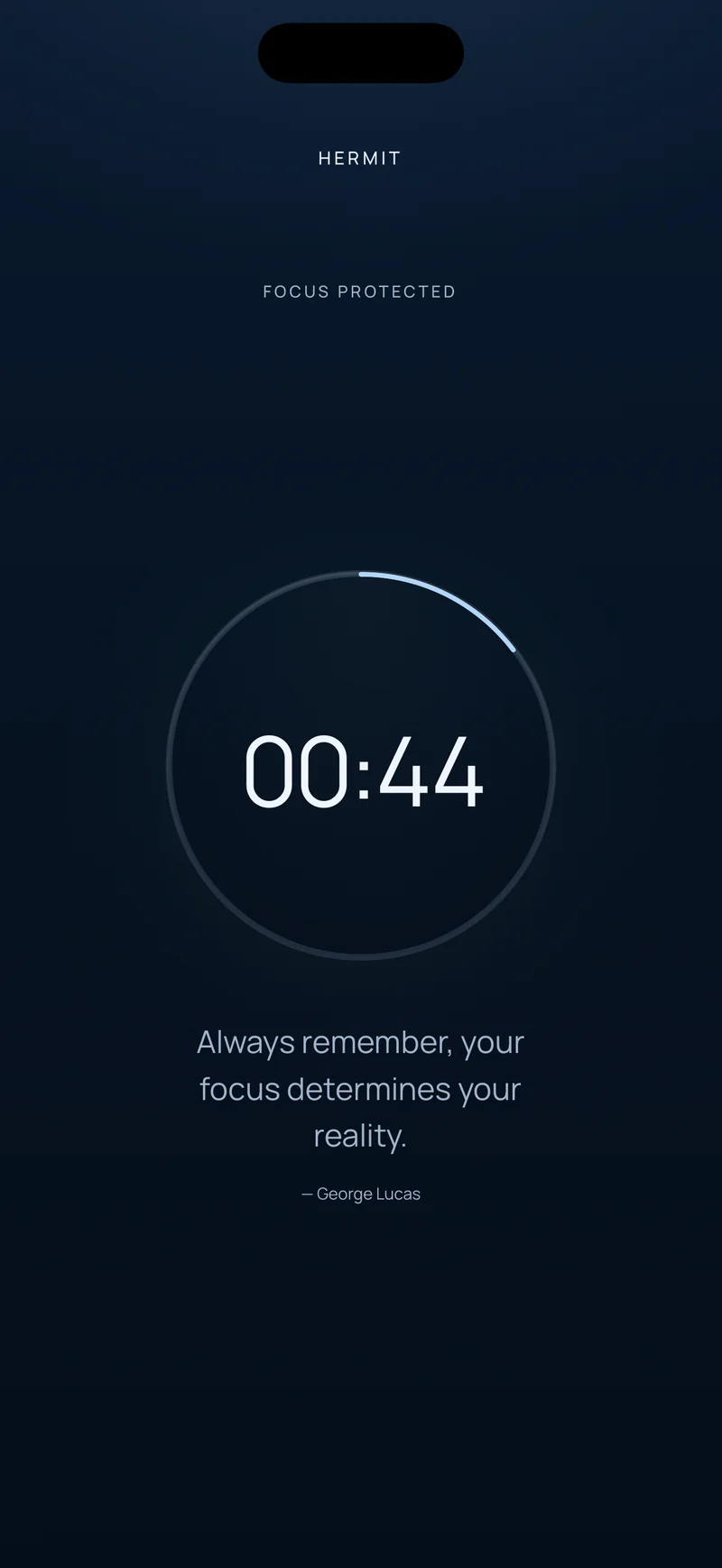
Hermit follows the original finish time across app restarts and reboots. On iPhone, optional Live Activities keep the countdown on your Lock Screen and, on supported models, in the Dynamic Island.
The Hermitage
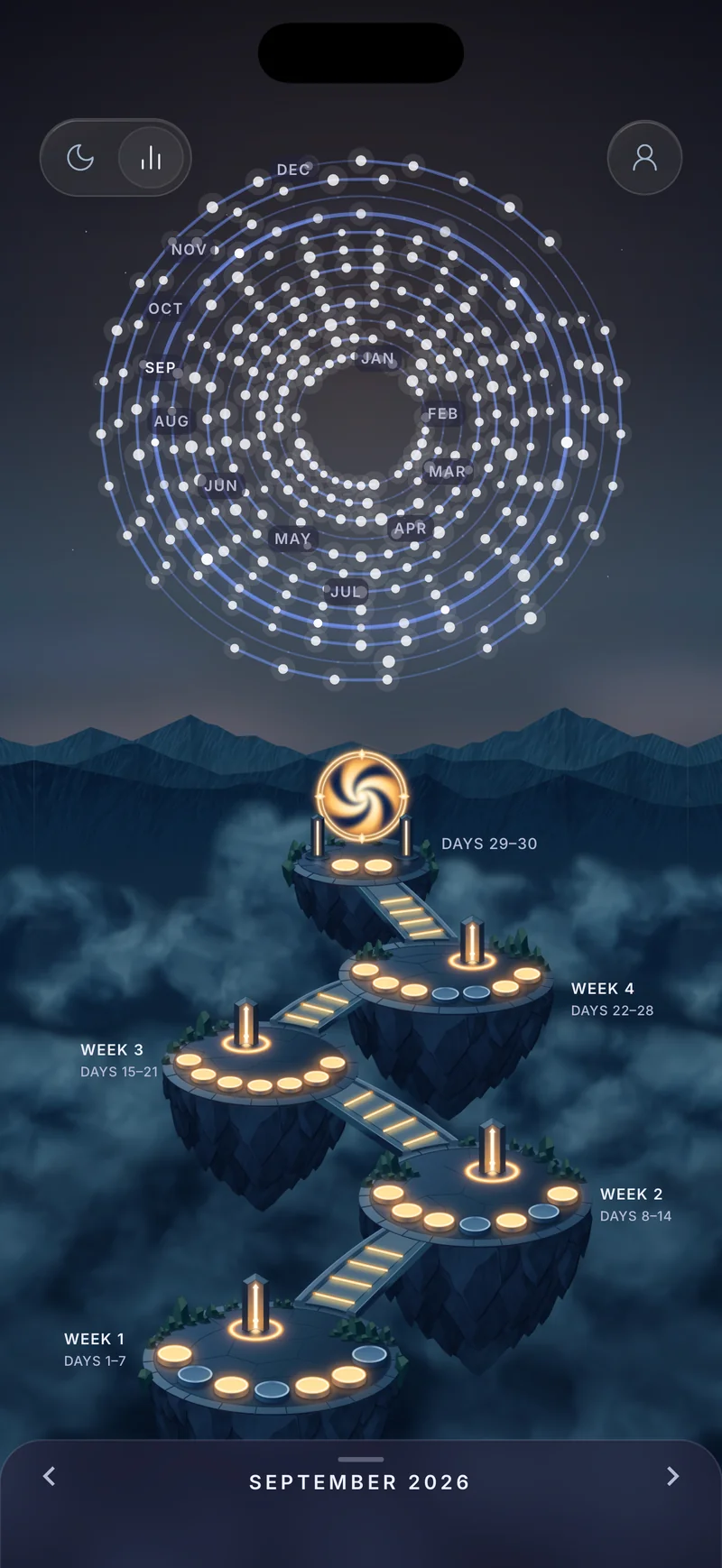
Browse months, days and weeks of completed focus. See your focus time, completed sessions, active days and best streak, then open a day to review its timeline.
Know where your time goes
The weekly view highlights your top time-consuming apps. On Android, a day's Tried to open list shows how often blocked apps were opened during focus sessions.